
6.6 Forgot Your Password?
If you have forgotten your password to log in to PROVIDERnet, follow these steps to reset it:
Go to the Login Page
Visit PROVIDERnet and select "Forgot your password?"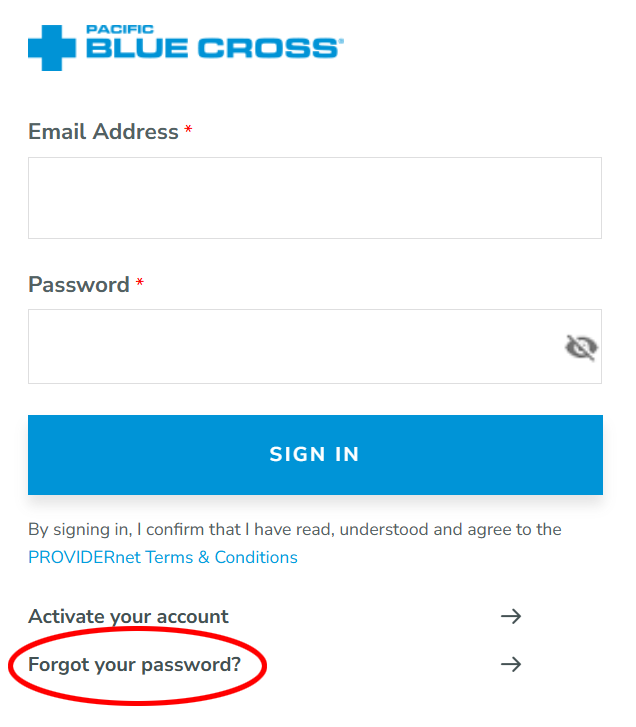
Enter Your Information
Enter your Provider ID Number and email address, then click Continue.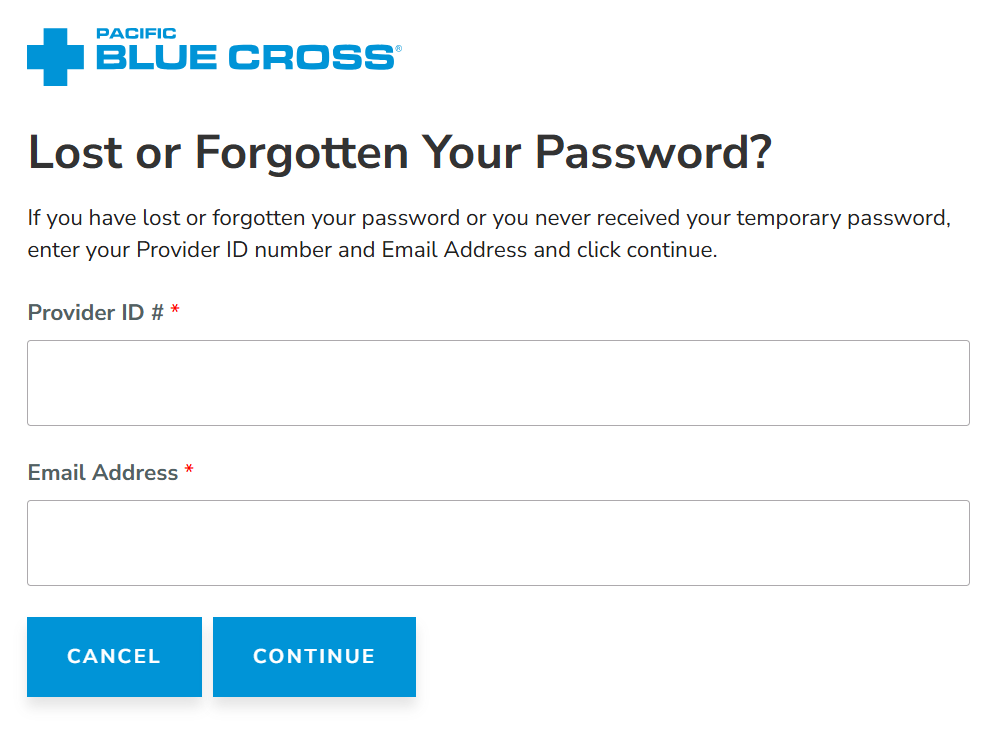
Answer Challenge Question
You will be prompted to answer one of your challenge questions. After successfully answering your challenge question, a temporary password link will be sent to the email address associated with the account.
Use Temporary Password
Now you can log in to your account and update your password.