
6.3 Activate Your PROVIDERnet Account
Once your application has been approved, you will receive an email that includes your Provider ID.
Receive Welcome Package Email
You will receive an email titled "This is the beginning of a beautiful partnership" containing:
- Your Provider ID
- Provider name and address
- Practitioner name(s)
- Corporate contact name
- Account activation link and code
Click Activation Link
Click on the activation link in your email to begin the account setup process.
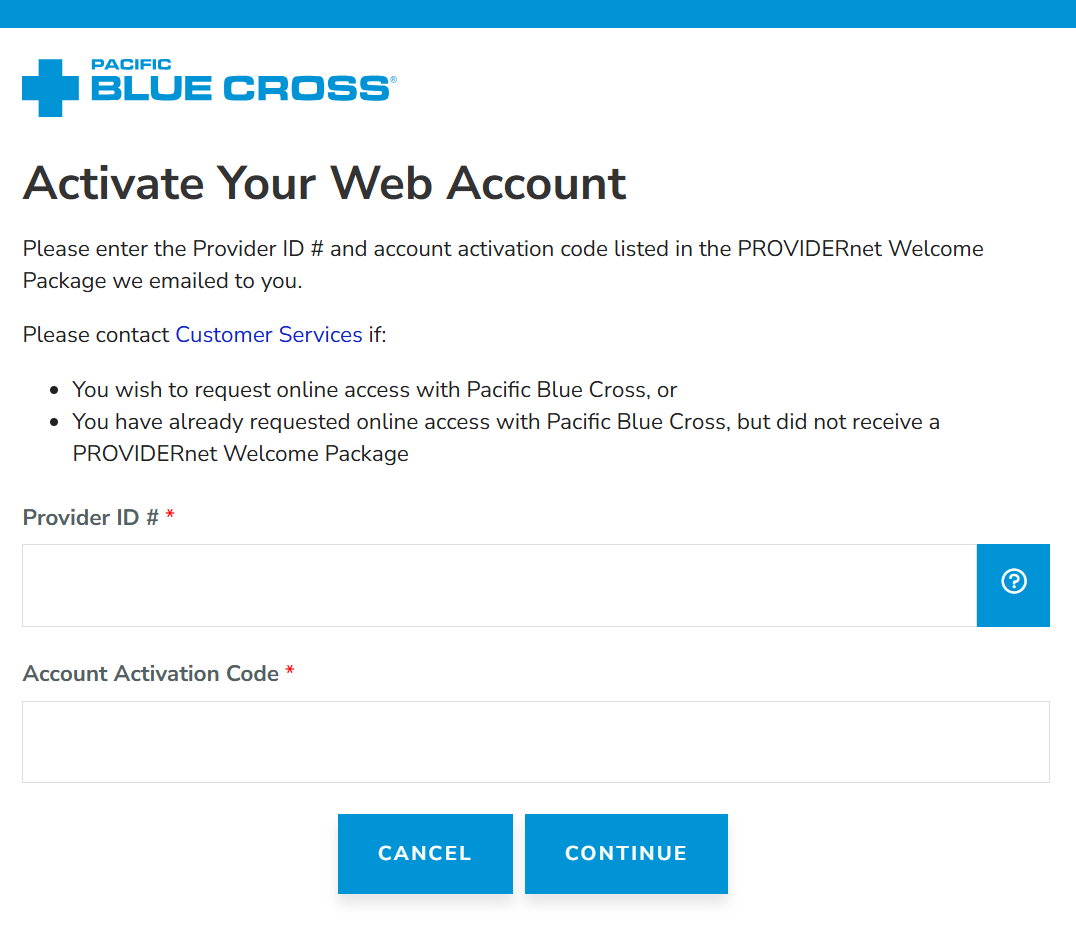
Enter Activation Information
On the activation page, enter:
- Provider ID
- Account activation code (from email)
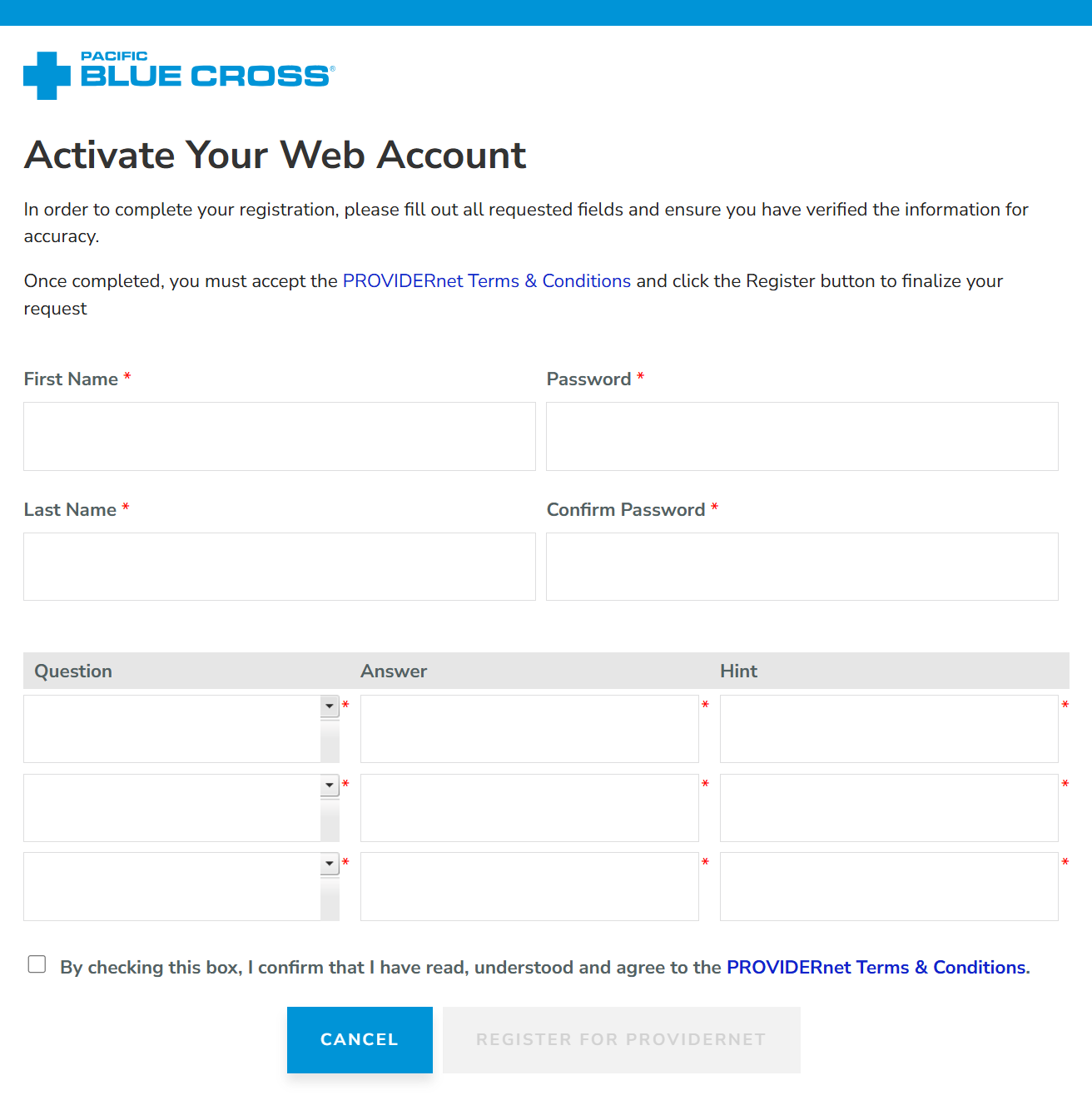
Create Password & Security Questions
Set up your account security:
- First name
- Last name
- Password (and confirmation)
- Three challenge questions with answers
PROVIDERnet Terms & Conditions
Read the PROVIDERnet Terms & Conditions.
Check the box to confirm that you have read, understood and agree to them.
Account Activated
You will receive a confirmation email once your account has been successfully activated.
You will then be able to sign in to PROVIDERnet and begin using the system.